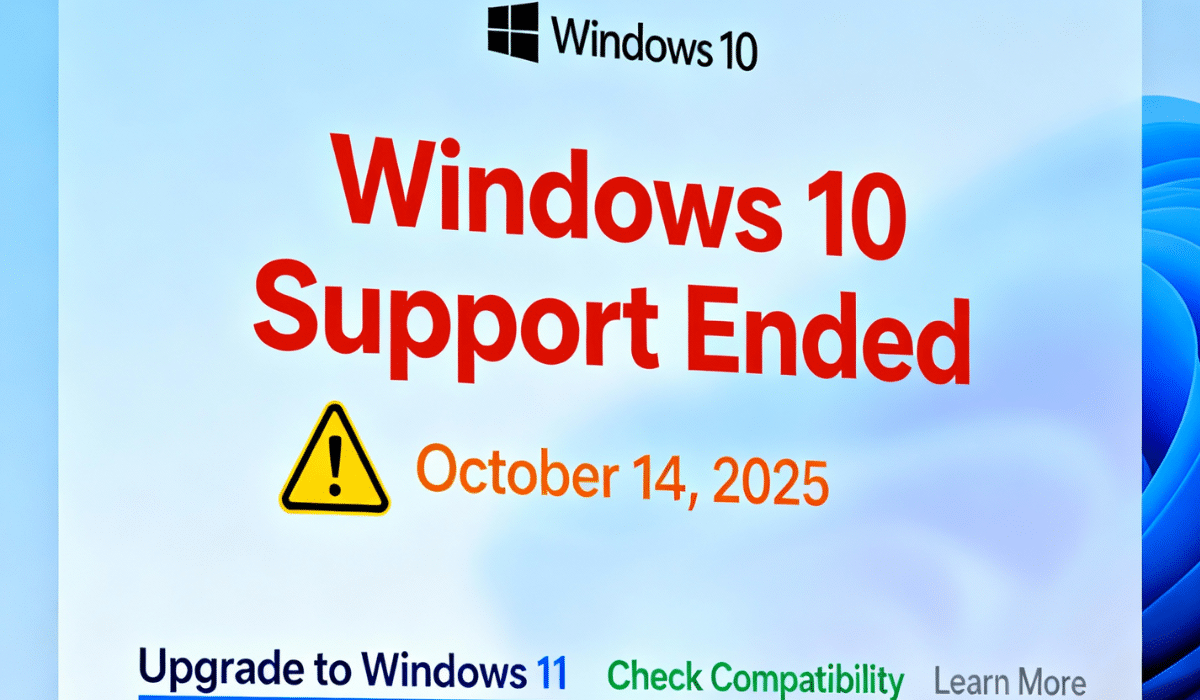
Windows 10 end of life officially arrives today, October 14, 2025, marking the conclusion of a decade-long journey for Microsoft’s widely-used operating system. After today, Microsoft will no longer provide security updates, bug fixes, or technical support for Windows 10 devices, leaving approximately 400 million computers worldwide vulnerable to cybersecurity threats.
Microsoft Security Updates Stop After October 14 2025
Windows 10 support ends effective immediately, meaning all editions including Home, Pro, and Enterprise will cease receiving regular patches and security fixes. The final mainstream update was released today, which will keep systems protected only until November 11, 2025, when Windows 10 will miss its first critical security update. Microsoft has confirmed that Windows 10 version 22H2 is the final version of the operating system, with no future feature improvements planned.
Your PC will continue to function normally after Microsoft end of support, but it will become increasingly vulnerable to malware, ransomware, and PC security vulnerabilities as new threats emerge. Consumer advocacy organizations have raised concerns about the environmental and financial impact on users whose devices cannot upgrade to newer systems, similar to other challenges facing the tech industry including Microsoft’s recent organizational changes.
Extended Security Updates ESU Program Offers Protection
Microsoft has introduced the Extended Security Updates ESU program to help users who need more time to transition. This paid program provides critical and important security updates for an additional year, keeping devices protected until Windows 10 Extended support end date of October 13, 2026. The program costs $30 for most individual users, though European Economic Area residents can enroll completely free without any conditions.
There are three enrollment options available for the ESU program: paying the $30 fee, syncing PC settings with OneDrive through Windows Backup, or redeeming 1,000 Microsoft Rewards points. To qualify, devices must be running Windows 10 version 22H2 (Home, Professional, Pro Education, or Workstations edition) with the latest Windows final update installed.
Enrollment can be completed by navigating to Settings > Update & Security > Windows Update and selecting “Enroll now”. The Microsoft account used for enrollment must have administrator privileges and cannot be a child account. Users can enroll anytime until the program concludes on October 13, 2026, though devices will remain vulnerable until enrollment is completed.
Windows 11 Upgrade Path and System Requirements
Microsoft strongly recommends upgrading to Windows 11 upgrade for continued protection and new features. The upgrade remains free for eligible Windows 10 devices and can be initiated through Settings > Privacy and Security > Windows Update. However, not all devices meet the Windows 11 system requirements, which include TPM 2.0, UEFI firmware, Secure Boot capability, and specific processor generations.
Users can check compatibility by downloading Microsoft’s PC Health Check tool or visiting Microsoft’s official support page for detailed system requirements. As of July 2025, approximately 43% of Windows systems globally were still running Windows 10, highlighting the significant challenge ahead for users and businesses.
What Happens If You Continue Using Windows 10
Continuing to use Windows 10 after October 14 2025 without enrolling in Extended Security Updates ESU carries substantial risks. Without Microsoft security updates, devices will lack protection against newly discovered vulnerabilities, making them easy targets for cyberattacks. Additionally, Windows 10 PCs may experience slower performance and functionality issues as software developers stop optimizing applications for the unsupported operating system.
For users unable to upgrade hardware or purchase new devices, the ESU program represents a critical bridge solution. Businesses have the option to purchase up to three additional years of updates through 2028, though consumer access is limited to the one-year program ending October 13, 2026.
Taking Action Today
With Windows 10 end of life now in effect, immediate action is essential for maintaining device security. Users should evaluate their options: upgrade to Windows 11 if hardware permits, enroll in the Extended Security Updates program for temporary protection, or consider purchasing a new Windows 11-compatible device.
For more technology news and updates on how this transition impacts millions of users worldwide, stay informed through reliable sources. The transition away from Windows 10 marks a significant moment in computing history, affecting individuals and organizations across the globe.